
On a small screen you can scroll the tables sideways to read every column.
We have written it in plain language on purpose. If any part is unclear, write to contact@cityhub92.pk and we will explain it.
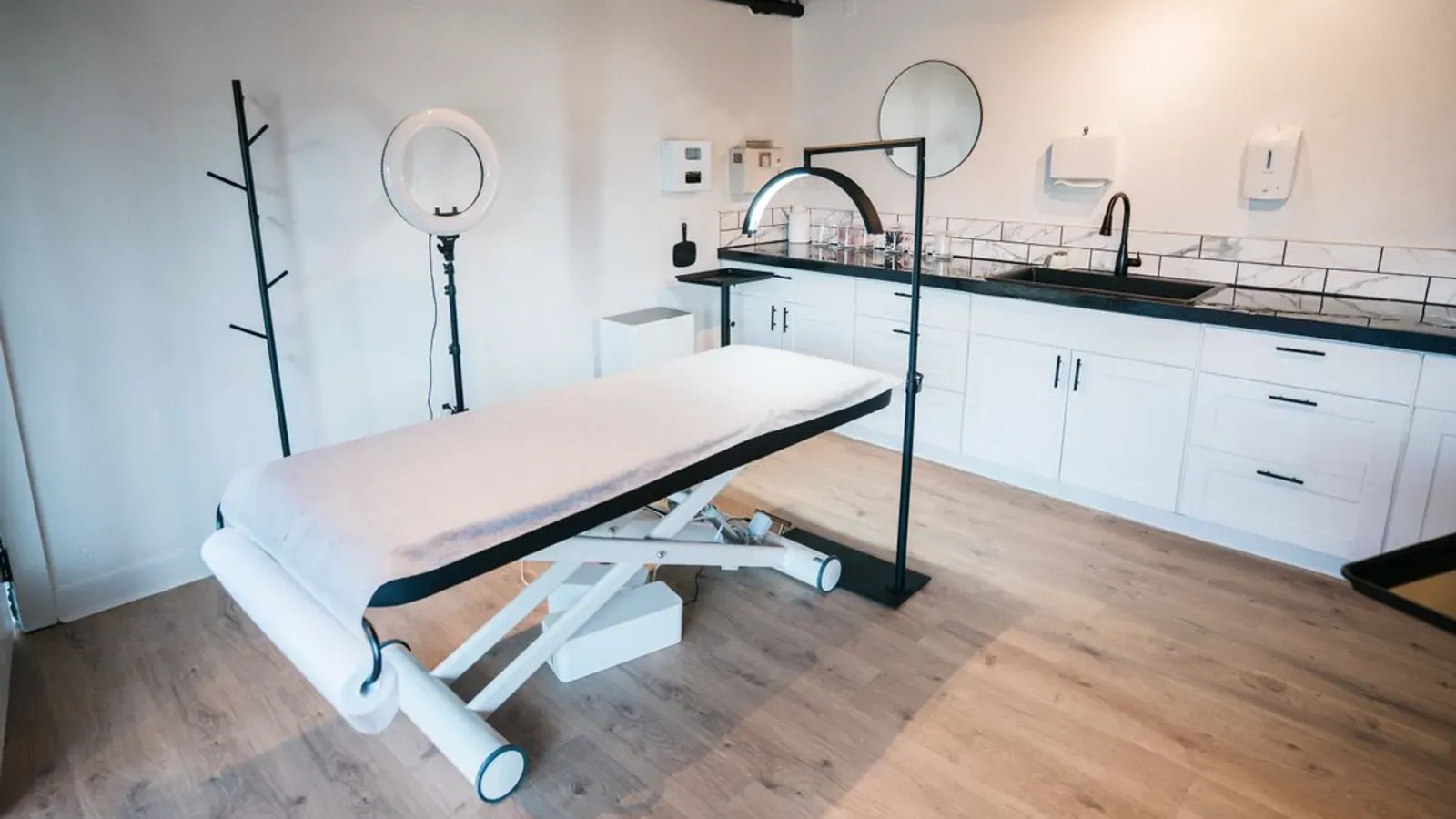
Live in about three minutesNo card, no app download, no contract. Just your details and your timings.
1Three steps to your first booking
1Create your accountYour business name, your type of business, your city, a WhatsApp number and an email. No password to remember, no card, and your page is live in about three minutes.
2Add services and timingsEach service gets its own name, duration and price in rupees — a haircut, a consultation, a session. Then set the hours you actually work.
3Share your linkPut it in your WhatsApp Business, your Instagram bio and Google Maps. Customers book from it 24/7, and you get every booking instantly.
2What happens when a customer books
| Step | What the customer does | What you get |
|---|---|---|
| 1. They open your link | From WhatsApp, Instagram, Facebook or Google Maps — in English or اردو, whichever they tap. | Nothing yet |
| 2. They choose | A service, then a day, then a free time. Only slots you are actually free for are shown, so nobody can double-book you. | Nothing yet |
| 3. They leave their details | Their name, WhatsApp number, and optionally an email and a note for you. | Nothing yet |
| 4. They confirm | One tap. They get a confirmation on WhatsApp and email with a booking code. | An instant notification in your dashboard |
| 5. They turn up | At your place, or in a video call if you have one on your page. | The appointment on your list for that day |
The customer never needs an account and never has to install anything. That is the point: they can book while you are asleep, and you wake up to a full list.
3Your day in the dashboard
- See the day at a glance — today's bookings, what is coming up, and this month's count.
- Confirm or remind in one tap — every booking arrives with a ready WhatsApp message, so you are not typing the same thing all day.
- Mark a payment — tick off a cash payment, and see which online payments are still pending.
- Move a booking — reschedule or cancel it, and the slot frees itself for someone else.
- Answer a video call — with a paid plan your page carries a video call desk, and files you send travel peer-to-peer.
- Answer questions automatically — with a paid plan the AI assistant answers customers from your own prices, timings and policies, day or night.
4What you need before you start
| You need | Why |
|---|---|
| Your business name and type | It is the heading on your page and how customers find you in the right category. |
| A WhatsApp number and an email | The number is how customers reach you; the email is how we send confirmations, receipts and your sign-in link. |
| One to three services | Each with a duration and a price in rupees. Three is enough to start — you can add more later. |
| Your working hours | These decide which slots customers can pick. Getting them right is the single thing that stops wrong bookings. |
| A logo or a photo — paid plan | It makes your page look like your business rather than a template. |
| Two places your customers already are | WhatsApp Business and one more. That is where the link belongs. |
5Your first week
| When | Do this |
|---|---|
| Day 1 | Create the account. Add your services, prices and hours. Publish the page. |
| Day 2 | Add your logo, cover photo and portfolio if you are on a paid plan. Write your cancellation and deposit policies on the page — customers read them before they book. |
| Day 3 | Put your link in WhatsApp Business, your Instagram bio and Google Maps. Update the bio or the listing to mention your hours. |
| Days 4–7 | Watch the first bookings arrive. If a slot you do not want keeps filling, close that time. If customers ask for a service you do not have listed, add it. |
| Every week after | Keep your hours and services current, and reply quickly on WhatsApp. A business that answers in minutes gets booked again. |
6Things worth doing, and things to skip
| Do this | Not this |
|---|---|
| Keep your hours accurate. Block out the times you do not work and you will stop getting bookings you cannot keep. | Do not leave the hours as "all day" and hope. That is how a 9 AM booking turns into a wasted afternoon. |
| Put the price on the service. Customers filter on it, and it saves an argument later. | Do not hide prices in the note field. Half the customers will simply move on. |
| Write your own policies on the page — advance payment, cancellation, no-show. | Do not rely on a verbal "no refund" alone. Put it where the customer can read it before they book. |
| Reply on WhatsApp quickly. That is where your customers already are. | Do not post your link in twenty places. Pick the two your customers actually use and do those well. |
| Add one more service when a customer asks for it. | Do not build a huge catalogue on day one. Three good services convert better than thirty vague ones. |
7Talk to us
Stuck on a step, or not sure which plan fits your business? Write to contact@cityhub92.pk, or see the Contact page for every way to reach us. We reply within one working day.